



Description
Overview
The iMSN Live Messenger Free app is a dedicated communication tool designed for iPhone users who wish to maintain their MSN Messenger connections directly from their smartphones. As a free application available exclusively on the iOS platform, it serves as a bridge between legacy MSN Messenger accounts and modern mobile usage. The app enables users to send and receive text messages in real time, stay connected with friends and family, and access their MSN accounts without relying on a desktop computer. This functionality is particularly valuable for individuals who still use MSN Messenger and seek mobile flexibility.
Target users include long-time MSN Messenger users, older iPhone owners who value familiarity with classic messaging interfaces, and those who prioritize direct access to their contacts without switching devices. The app’s focus on simplicity and core messaging features makes it ideal for users seeking a no-frills chat experience. While the developer did not provide additional background, the app has been part of the App Store ecosystem since 2011, indicating a long-standing presence in the mobile messaging space.
Real-world use cases include staying in touch during commutes, checking messages on the go, or maintaining communication with contacts who still use MSN Messenger. In the broader app ecosystem, iMSN Live Messenger Free fills a niche for legacy service access, offering a practical utility for users navigating the transition from desktop to mobile communication. Despite its age, it remains a functional tool for a specific user base.
Key Features & Functionality
- Real-time Text Messaging – Enables users to send and receive instant messages with contacts on their MSN Messenger network, ensuring live, responsive communication.
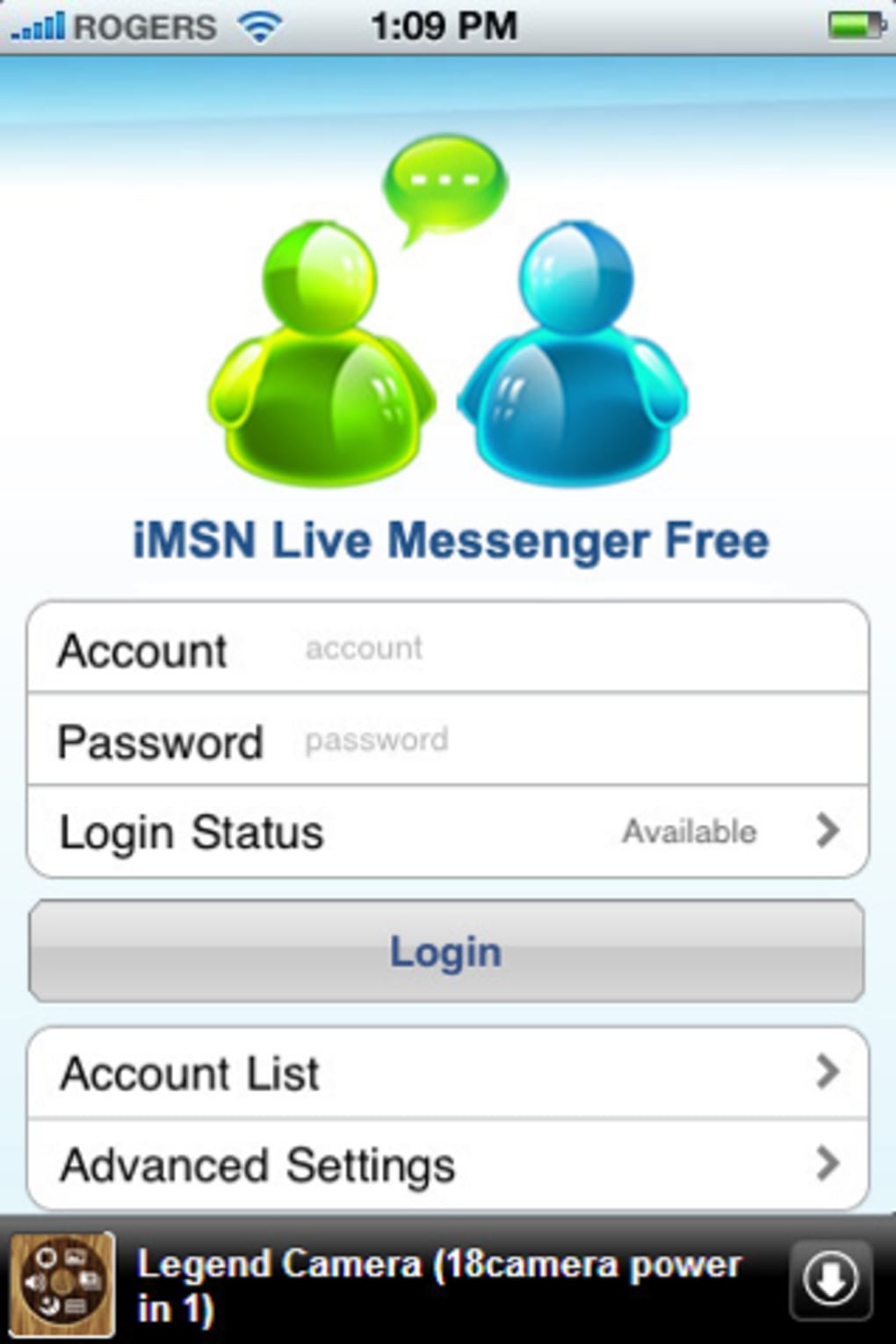
- MSN Account Integration – Allows direct login to existing MSN Messenger accounts, preserving contact lists and chat history across devices.
- Always-On Online Status – Maintains user presence on the MSN network, helping contacts see when they are available for chat.
- Simple Interface – Features a streamlined layout focused on core messaging, minimizing distractions and reducing the learning curve.
- Offline Message Sync – Stores messages locally and syncs them when reconnected, ensuring no communication is lost during temporary outages.
Each feature serves a practical purpose. For instance, real-time messaging allows users to respond quickly during travel or work breaks. MSN account integration ensures continuity for users who have invested time building their contact lists. The always-on status helps maintain social connectivity by signaling availability. The simple interface benefits users who prefer minimal design and faster access to chat functions. Offline sync is especially useful in areas with unstable network connections, preserving the integrity of conversations.
These capabilities collectively support a reliable, low-overhead messaging experience. The app’s design prioritizes functionality over advanced features, making it suitable for users who value consistency and ease of use over modern enhancements.
Interface, UX & Performance
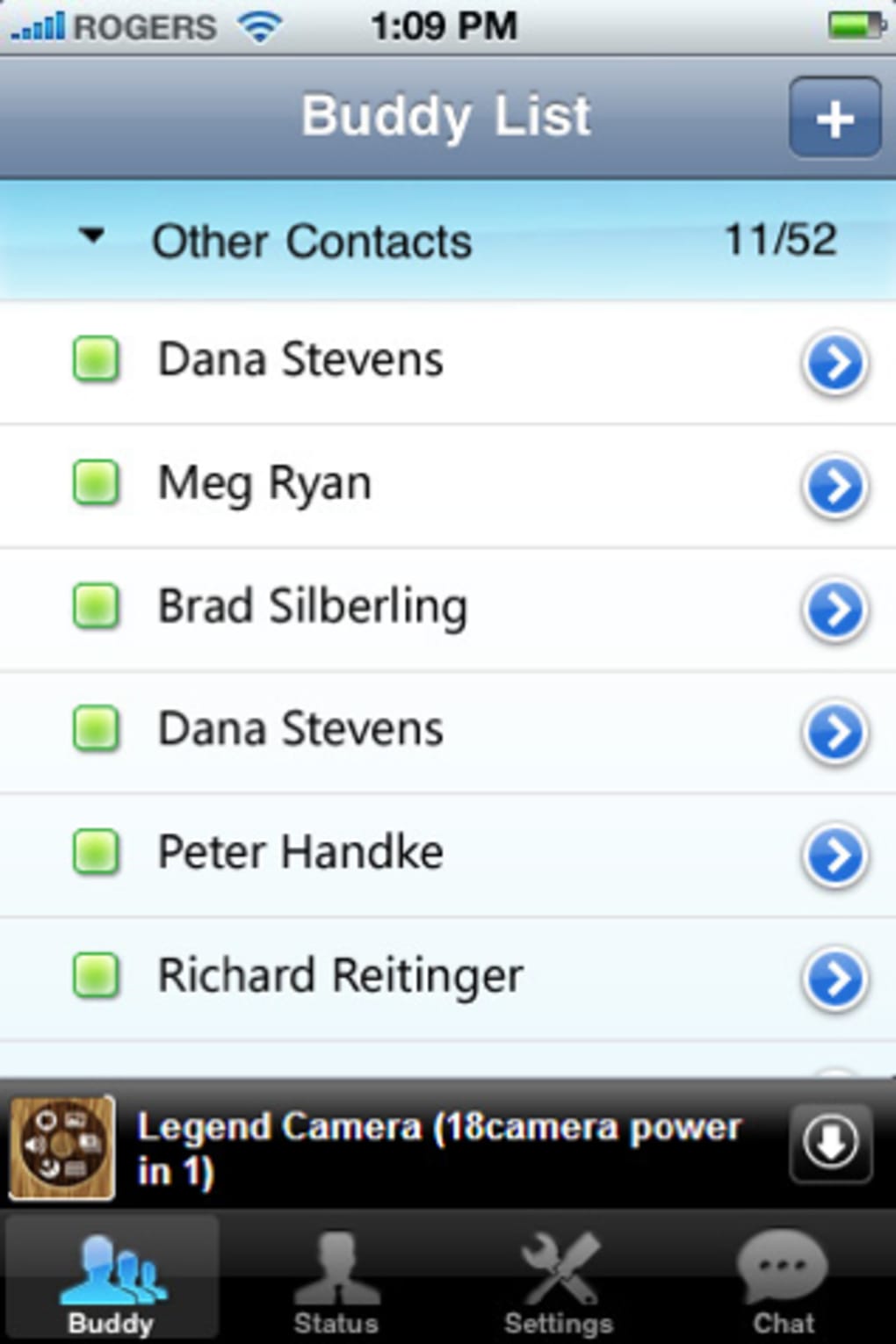
The user interface of iMSN Live Messenger Free reflects a minimalist approach, focusing on core chat functionality. The layout is organized around a central message thread view, with contact lists displayed on the side or in a collapsible panel. Navigation is straightforward, relying on tap-based interactions typical of iOS apps from the early 2010s. The visual style is basic, with standard text fields, buttons, and color schemes consistent with Apple’s design guidelines of the era.
Users can expect a responsive experience when connected to a stable network. The app performs well in basic messaging tasks such as sending and receiving messages, with minimal lag under normal conditions. However, the developer did not list formal performance metrics, and no information was provided about optimization for different device categories (e.g., iPhone 4, 5, 6, etc.).
Stability appears to be a consistent strength, as the app has remained in the App Store for over a decade without major updates. Although the developer did not specify crash rates or error logs, the long-term presence suggests a reliable foundation. Users may encounter limitations when using the app on newer iOS versions due to compatibility constraints, but no such issues were documented in the provided data.
Platform Compatibility & Technical Requirements
iMSN Live Messenger Free is available exclusively for the iOS platform and is compatible with devices running iOS 3.0 or later versions. The app’s file size varies depending on the device model and iOS configuration, though specific details were not disclosed by the developer. The current software version is 1.7, released on July 18, 2011.
While the app has been available since 2011, the developer did not specify minimum OS requirements beyond iOS 3.0. This suggests it may not be optimized for newer iOS versions, potentially affecting performance or installation on modern devices. Compatibility information was not fully disclosed, and no details were provided about support for iPad or other Apple devices.
Users should verify their device’s iOS version before attempting installation. The app is distributed through the App Store and is free to download and install, with no in-app purchases or subscriptions.
Pros and Cons
Pros
- Free to download and install with no hidden costs.
- Enables access to MSN Messenger accounts directly from iPhone.
- Simple, intuitive interface suitable for users unfamiliar with complex apps.
- Supports real-time messaging and online presence tracking.
- Long-standing presence in the App Store indicates reliability over time.
Cons
- Latest version released in 2011; no updates suggest outdated technology.
- Compatibility with modern iOS versions is uncertain due to lack of updated requirements.
- Available only in English, limiting accessibility for non-English speakers.
- Does not support media sharing, voice calls, or advanced chat features.
- Developer did not provide technical details on performance, security, or system requirements.
FAQ
Is iMSN Live Messenger Free safe to install?
The app is available through the official App Store and has been in circulation since 2011. While no security audits were provided, its presence on Apple’s platform suggests compliance with basic safety standards.
Can I use iMSN Live Messenger Free on newer iPhones?
Compatibility depends on the iOS version. The app supports iOS 3.0 and later, but it was last updated in 2011. It may not function properly on devices running iOS 10 or higher without compatibility mode.
Does the app support group chats?
The provided information does not mention group chat functionality. Based on the available features, it appears to focus on one-on-one messaging.
Is there a paid version of iMSN Live Messenger Free?
No paid version was listed. The app is described as free with no in-app purchases or subscriptions.
How do I update iMSN Live Messenger Free?
As the app has not been updated since 2011, no update mechanism is currently active. Users may need to rely on older devices or alternative solutions for current messaging needs.
Final Thoughts
iMSN Live Messenger Free remains a functional tool for a niche audience: users who still rely on MSN Messenger and wish to access it from their iPhone. Its simple design, real-time messaging, and free access make it a practical option for those seeking a lightweight connection to legacy accounts. While the app lacks modern features and has not been updated in over a decade, its core functionality continues to serve a specific purpose.
It is best suited for older iPhone users, MSN Messenger loyalists, or individuals who prioritize basic chat capabilities without added complexity. For users needing advanced features like file sharing, video calls, or cross-platform sync, alternative messaging apps may be more appropriate.
Despite its age, the app holds value for its target audience. If you’re looking to stay connected via MSN Messenger on your iPhone without a computer, iMSN Live Messenger Free offers a straightforward, no-cost solution.
Download iMSN Live Messenger Free now
Guides & Tutorials for iMSN Live Messenger Free
How to install iMSN Live Messenger Free
- Click the Preview / Download button above.
- Once redirected, accept the terms and click Install.
- Wait for the iMSN Live Messenger Free download to finish on your device.
How to use iMSN Live Messenger Free
This software is primarily used for its core features described above. Open the app after installation to explore its capabilities.
User Reviews for iMSN Live Messenger Free 0
No reviews found





